
If vLLM already solved LLM serving, why did SGLang appear?

Updated on
Published on
By

Table of Content
About the author

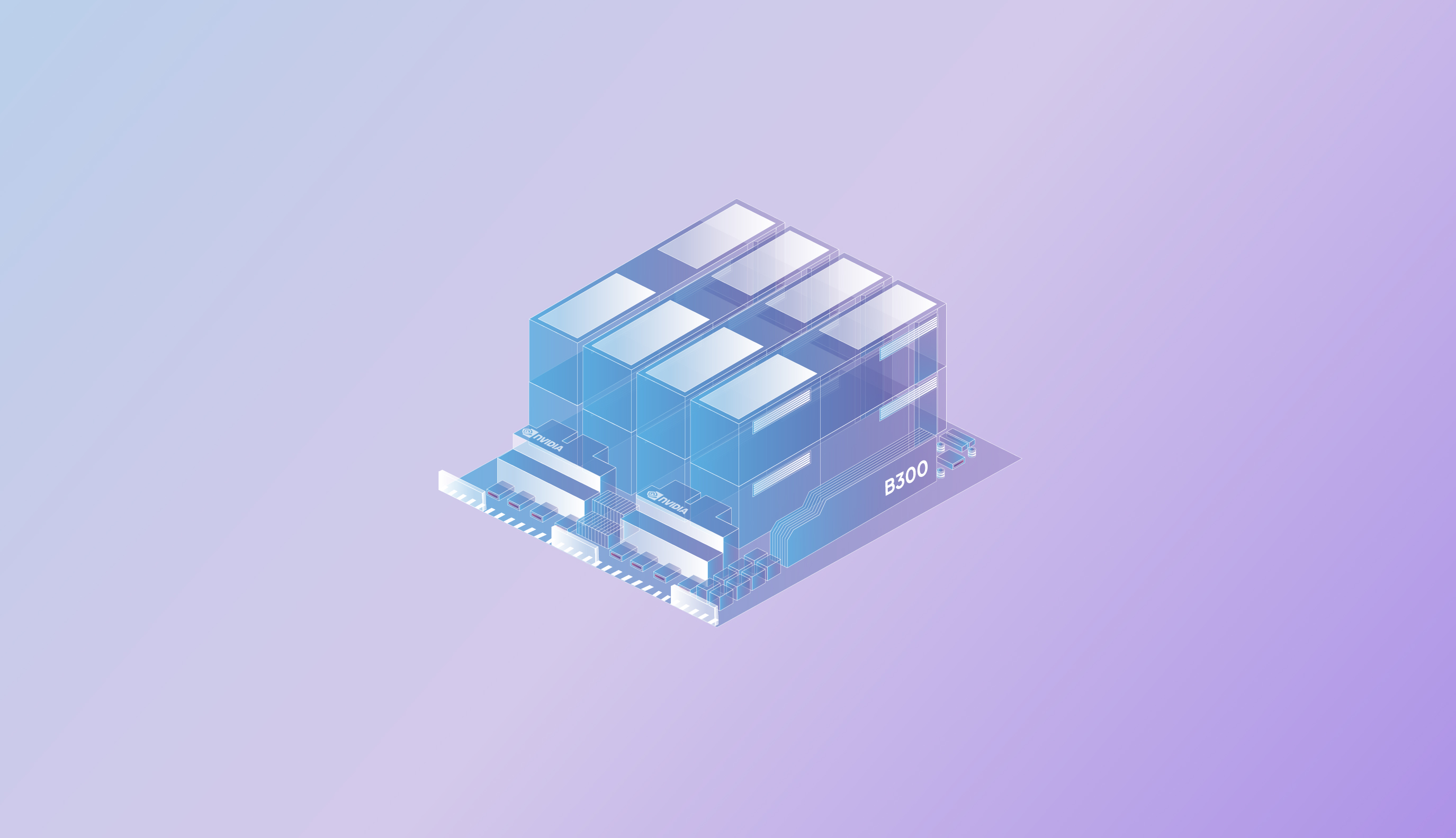
For a while now, the B300 conversation has been mostly spec sheets. 268 GiB of HBM3e per GPU, Blackwell Ultra architecture, numbers that look almost too clean on paper. The question engineers actually ask is – ‘whether a 400-billion parameter model can run on four GPUs without falling apart under real concurrency’, and ‘whether the throughput holds when it’s not a carefully staged single-user test but actual production-volume traffic hitting the system simultaneously.’
We ran 18 tests across five model families to answer that. The range goes from Gemma-4-26B at 25.8 billion parameters all the way up to GLM-5.2 at 753.3 billion, all on NVIDIA B300 SXM6 AC GPUs using vLLM 0.24.0. Here’s what the data showed.
| Model | Publisher | Parameters | Quantization | Max Context |
| Gemma-4-26B A4B-it | 25.8B | None (BF16) | 128k | |
| GPT-OSS-120B | OpenAI | ~32.6B | mxfp4 | 128k |
| Kimi-K2.6 | Moonshot AI | ~297.6B | compressed-ten sors | 128k |
| DeepSeek-V4-P ro | DeepSeek | ~432.4B | fp8 | 128k |
| GLM-5.2 | Z.AI | 753.3B | None (BF16) | 128k |
Every run used 1,000 input tokens and 1,000 output tokens, concurrency at 100, and GPU configurations ranging from 1 to 8 depending on what the model required. Three metrics across all runs: output throughput in tokens per second, TTFT (time to first token in milliseconds), and median end-to-end latency.
Before getting into the throughput numbers, the more fundamental story is about what’s even possible in the first place. The B300’s memory per GPU is what changes the deployment math for frontier-scale models, and the clearest way to see it is in the minimum GPU configurations required to run each model.
| Model | Parameters | GPUs Required on B300 |
| Gemma-4-26B-A4B-it | 25.8B | 1 |
| GPT-OSS-120B | ~32.6B | 1 |
| Kimi-K2.6 | ~297.6B | 4 |
| DeepSeek-V4-Pro | ~432.4B | 4 |
| GLM-5.2 | 753.3B | 8 |
Running a 432-billion parameter model on four GPUs, or a 297-billion parameter model on the same four GPUs, is a direct consequence of having 268 GiB available per card. And GLM-5.2 at 753.3 billion parameters on eight GPUs is probably the most striking result in the whole dataset – that’s a model size that would have required a very different infrastructure conversation on previous-generation hardware.
Once you look at how throughput behaves as GPU count changes, two distinct patterns emerge that are worth understanding separately.
Gemma-4-26B output throughput at concurrency 100:
| GPUs | Prompt Volume | Output Throughput | TTFT | E2E Latency |
| 1 GPU | 2,000 prompts | 5,440 tok/s | 467ms | 18,116ms |
| 2 GPUs | 2,000 prompts | 6,955 tok/s | 324ms | 14,040ms |
| 4 GPUs | 500 prompts | 8,449 tok/s | 651ms | 10,673ms |
Going from one GPU to four, throughput grows by roughly 55%, TTFT drops significantly, and E2E latency comes down by about 40%. Each additional GPU is doing real work here, and the gains are consistent rather than front-loaded.
GPT-OSS-120B output throughput at concurrency 100:
| GPUs | Prompt Volume | Output Throughput | TTFT | E2E Latency |
| 1 GPU | 2,000 prompts | 2,372 tok/s | 968ms | 42,151ms |
| 2 GPUs | 2,000 prompts | 4,163 tok/s | 856ms | 23,957ms |
| 4 GPUs | 500 prompts | 6,912 tok/s | 670ms | 14,380ms |
This is near-linear scaling: throughput roughly doubles with each GPU addition going from 1 to 2, and then nearly doubles again going from 2 to 4. The E2E latency improvement is equally steep – from 42 seconds on a single GPU down to 14 seconds on four. For a model in this size range with mxfp4 quantization, the B300 is clearly not the bottleneck.
Kimi-K2.6, DeepSeek-V4-Pro, and GLM-5.2 behave differently, and this is worth being explicit about. These models are memory-bandwidth bound rather than compute-bound, which means additional GPUs shift what’s possible rather than just making existing configurations faster.
DeepSeek-V4-Pro and Kimi-K2.6 at 4 GPUs vs 8 GPUs:
| Model | GPUs | Output Throughput | TTFT | E2E Latency |
| DeepSeek-V4- Pro | 4 | 2,281 tok/s | 1,753ms | 41,421ms |
| DeepSeek-V4- Pro | 8 | 2,694 tok/s | 1,474ms | 34,649ms |
| Kimi-K2.6 | 4 | 2,298 tok/s | 2,035ms | 42,898ms |
| Kimi-K2.6 | 8 | 3,146 tok/s | 1,703ms | 31,086ms |
Moving from 4 to 8 GPUs gives both models a meaningful throughput bump and better TTFT, but nothing like the doubling pattern you see with Gemma or GPT-OSS. That’s the signature of a model where the memory subsystem is the constraint, and distributing across more GPUs helps but doesn’t remove the ceiling entirely.
GLM-5.2 tells the starkest version of this story:
| GPUs | Prompt Volume | Output Throughput | TTFT | E2E Latency |
| 8 | 100 prompts | 2,525 tok/s | 2,339ms | 39,472ms |
| 8 | 2,000 prompts | 2,529 tok/s | 1,107ms | 39,559ms |
Output throughput at 2,525 vs 2,529 tokens per second, essentially identical regardless of whether you’re sending 100 prompts or 2,000. The model has reached its memory bandwidth ceiling and is sitting there steadily – more load doesn’t change what it can produce, it just changes how efficiently the pipeline fills.
The most counterintuitive result in the dataset is what happens to time-to-first-token as prompt volume increases, particularly for the larger models.
DeepSeek-V4-Pro at 8 GPUs:
That’s a nearly 9x improvement in TTFT just from sending more requests.
Kimi-K2.6 shows the same pattern:
What’s happening is pipeline overhead. When you’re running a large model at low prompt volume, the processing cost of setting up and initializing each request becomes a significant fraction of the total time. As volume rises and the system starts processing more requests in parallel, that overhead amortizes across the batch and per-request TTFT drops substantially.
Gemma-4-26B shows a softer version of the same effect on a single GPU: TTFT drops from 891ms at 500 prompts to 467ms at 2,000 prompts. The pattern holds at different scales – it’s just more dramatic with larger models where setup costs are proportionally larger.
The practical implication is that if you’re evaluating these models at low request volumes and deciding based on TTFT, you’re getting the worst-case number, not a representative one. Production traffic patterns produce much better results than isolated test runs suggest.
Pick Your Config: A Workload-by-Workload Breakdown
| Model | Config | TTFT at Scale | E2E at C100 | Best for |
| Gemma-4-26B | 4 GPUs, BF16 | 651ms | 10,673ms | High-throughput endpoints, RAG pipelines, conversational AI, summarization |
| GPT-OSS-120B | 4 GPUs, mxfp4 | 670ms | 14,380ms | General-purpose inference, enterprise search, balanced throughput and responsiveness |
| Kimi-K2.6 | 8 GPUs, compressed-ten sors | 1,703ms | 31,086ms | Frontier reasoning, high-volume batch analysis, complex multi-step tasks |
| DeepSeek-V4- Pro | 8 GPUs, fp8 | 1,474ms | 34,649ms | Frontier reasoning, long-context document work, research and code workloads |
| GLM-5.2 | 8 GPUs, BF16 | 1,107ms | 39,559ms | Ultra-large scale analysis, sequential workloads where model quality is the priority |
A few notes on the table above. Gemma-4-26B at 4 GPUs is the throughput-per-GPU efficiency winner in this set – 8,449 tokens per second from 25.8 billion parameters, with TPOT down to around 10ms, which is comfortable for streaming interfaces. GPT-OSS-120B scales so cleanly that if your concurrency requirements grow, adding GPUs gives you predictable, proportional returns rather than surprises.
For the frontier models, the latency profile matters. DeepSeek and Kimi hit E2E latency in the 31-41 second range at concurrency 100, which is workable for analytical batch workloads but rules them out for applications where users are waiting on responses. GLM-5.2 is the most consistent model in the set once it reaches steady state – its throughput barely moves between 100 and 2,000 prompts, which makes capacity planning straightforward even if the latency ceiling is real.
The B300 changes the infrastructure conversation in a specific way that the throughput numbers alone don’t fully capture. The meaningful shift is in what’s now practical without a large cluster. Running a 432-billion parameter model on four GPUs, or a 297-billion parameter model on the same configuration, means the infrastructure decisions that used to require eight or sixteen GPUs can now be made at a smaller scale with fewer coordination overheads and simpler deployment architecture.
That changes the economics for teams that want frontier model capability without committing to the largest possible cluster from day one. You can start with four B300s running DeepSeek-V4-Pro at 4 GPUs, see what your actual production traffic looks like, and scale to eight when the workload justifies it – rather than provisioning for peak from the start.
The throughput ceiling for the frontier models is real, and memory-bandwidth-bound behavior is a genuine constraint to understand before you deploy. But the fact that these models run at production concurrency at all on a handful of GPUs, with 128k context windows intact, is the result the data keeps coming back to.
If you want to run these configurations on Neysa Velocis or talk through which setup fits your workload, the team is ready. Get in touch.
SGLang and vLLM are two tools developed to enhance the efficiency of using open-source AI models. While vLLM addresses resource wastage in AI model hosting, SGLang improves response times by minimizing repetition in processing requests. Here’s a read to help you decide which one is better.